



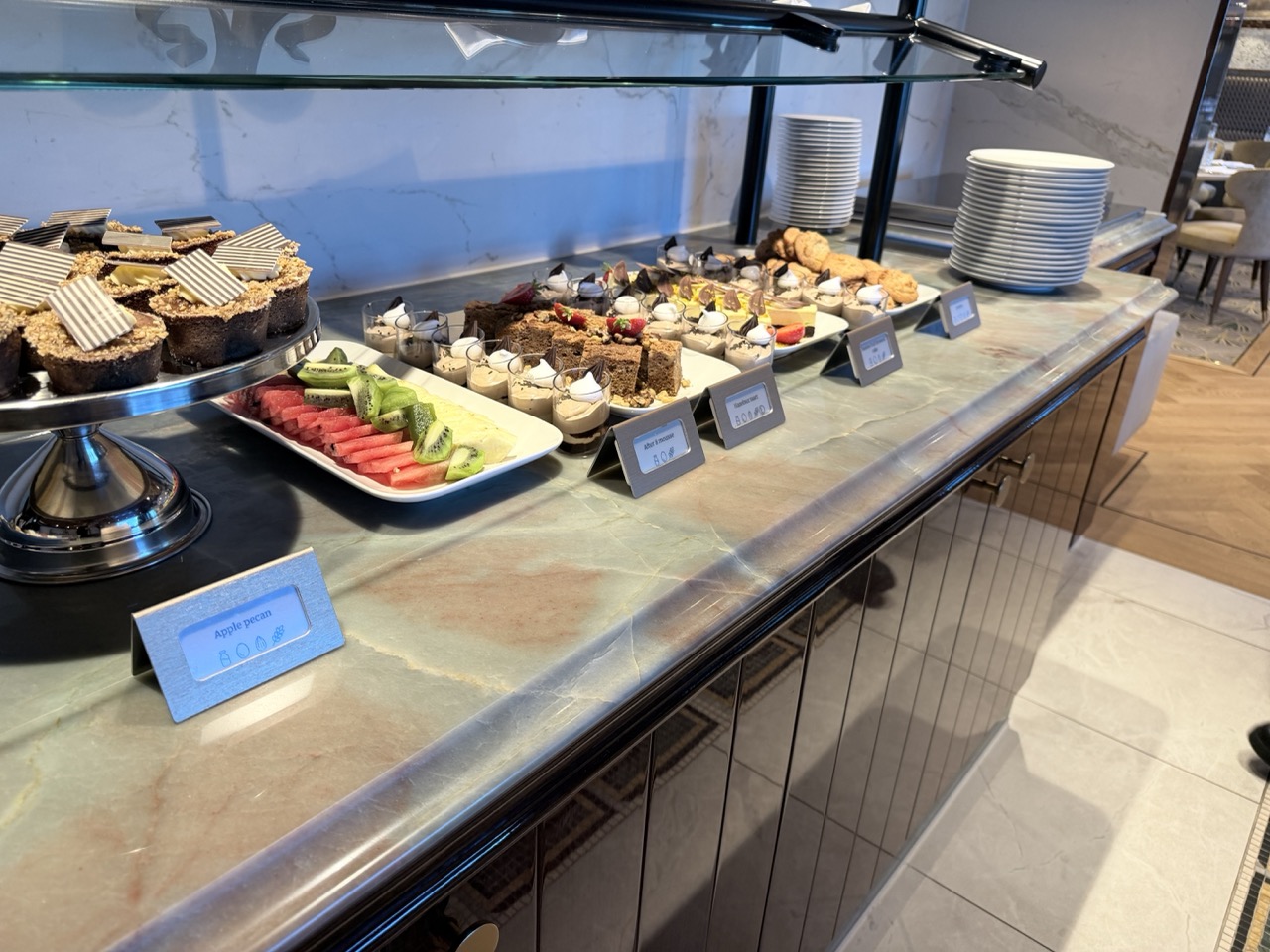
A buffet that looks as good as it tastes.
Present dishes, allergens and prices clearly and professionally. Manage everything easily through the free 5 Star Signs app and keep your buffet presentation up to date.
View products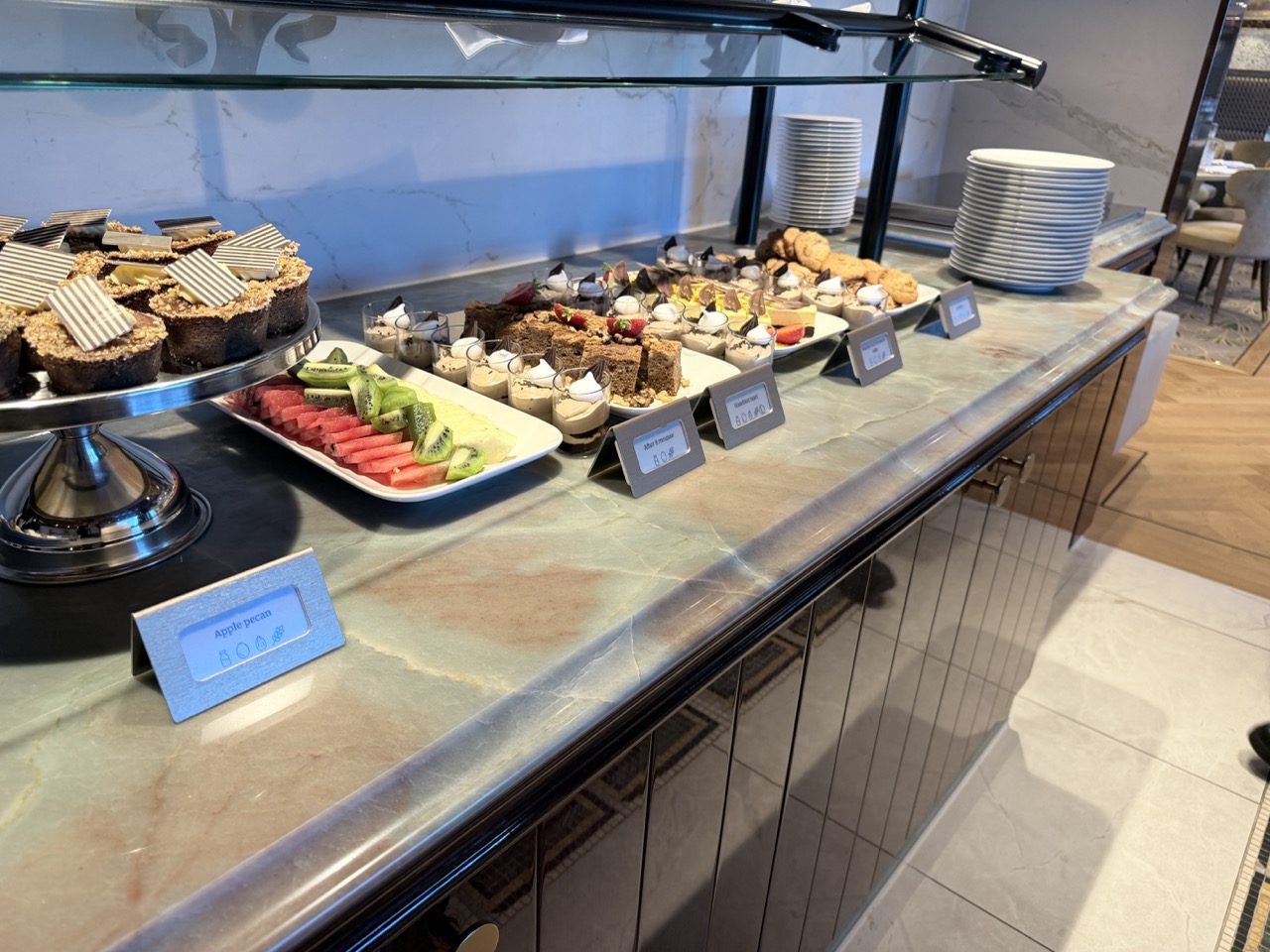
Clear presentation right at the buffet.
Manage everything in one easy-to-use app.
Every product includes access to the free 5 Star Signs app. Update your offering, send updates and manage all your displays in one place — at no extra cost.

Manage dishes and products
Add, edit or delete multiple items at once. Keep your menu up to date without the hassle.
- Delete multiple items at once
- Easy to edit in the app
- Import using an Excel template

Up to four price levels per product
Set up to four price levels for each product or recipe. Ideal for breakfast, lunch, dinner or VIP pricing on the same display.
- Four levels per product or recipe
- Easy to read on the display
- Easy to adjust in the app

Show allergen information
Select allergens such as gluten, nuts or milk and display recognisable icons for vegan, vegetarian or local products.
- Gluten, nuts, milk and more
- Icons for vegan and vegetarian products
- Meets information requirements
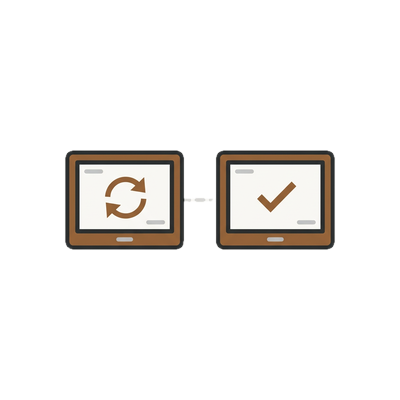
Update only what has changed
Updates are sent only to devices where something has changed. Products already on a device are skipped — quickly and efficiently.
- No unnecessary retransmissions
- Faster updates for large quantities
- Lower risk of errors

Design in your style
Choose a font that suits your look and preview changes before sending them. The holder can also be fitted with a personalised wrap.
- Choose from multiple fonts
- Preview before sending
- Personalised wrap for the holder
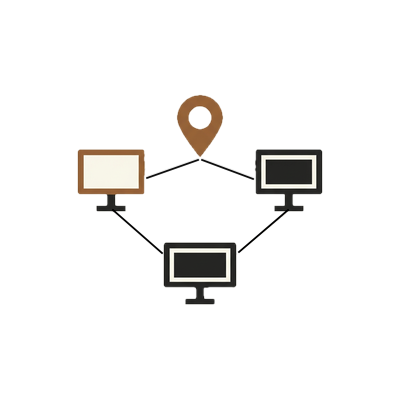
Organise displays
Link displays to specific locations, find them quickly with the built-in radar feature and add new displays by scanning a QR code.
- Link to locations
- Radar feature to find displays
- Add new displays by scanning a QR code
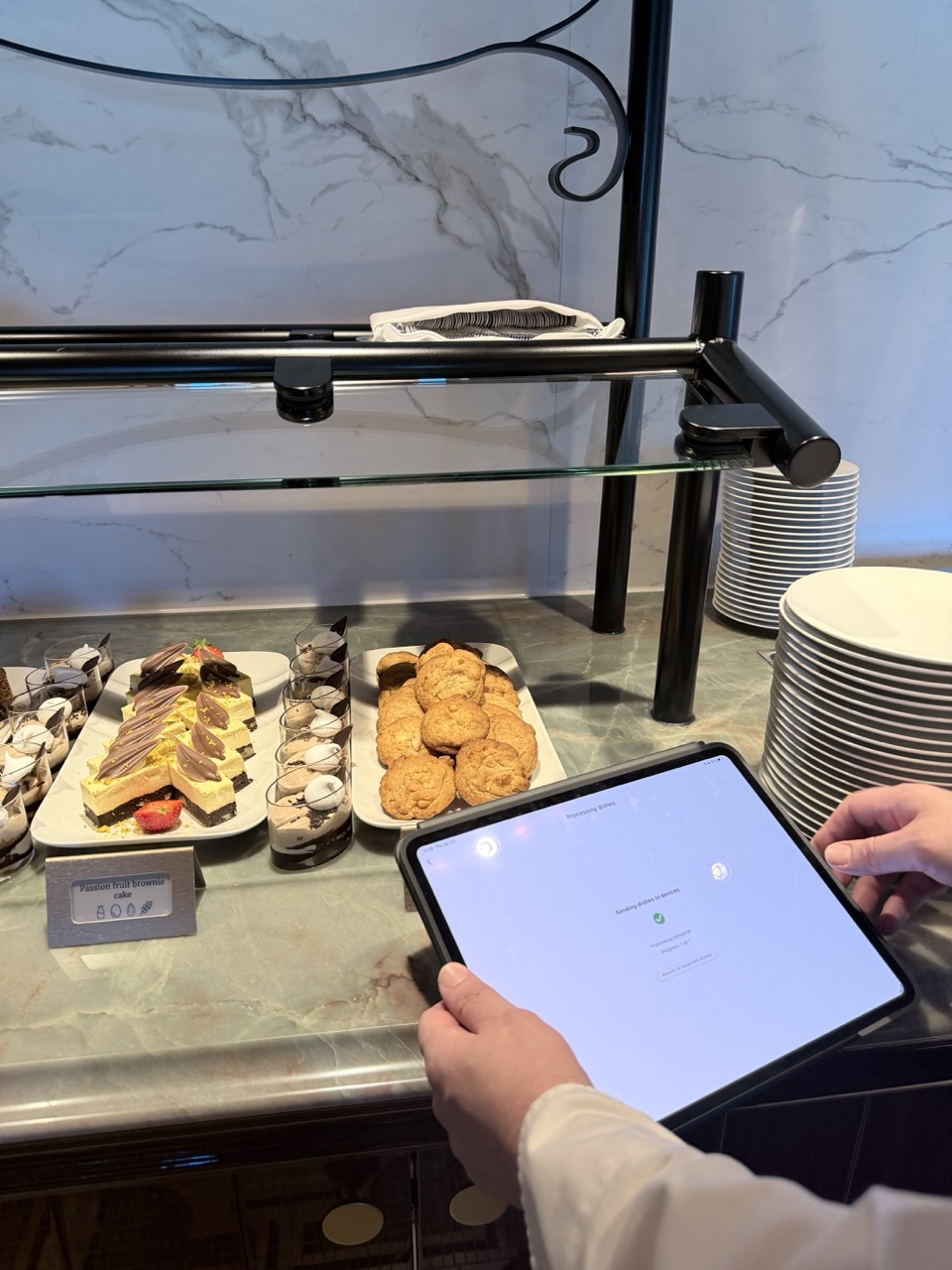
Manage buffet information using a tablet.
An informative screen right by your buffet.
Show a clear allergen menu on a tablet at the buffet, complete with the corresponding icons and names. Guests can find what they need straight away.
You can also place a short video at the top of the tablet screen — ideal for presenting your buffet or dishes in an engaging way.
- ✔ Allergen menu with icons and names
- ✔ Short video at the top of the screen
- ✔ Central management through the app
Get started in 4 steps.
From the initial setup to displays that are ready to use — done in just a few minutes.


Would you like to try it for yourself?
Order a sample box and discover what 5 Star Signs can do for your business. The box includes a display and several sample cards in different colours, so you can see exactly how they look in your space.
Available for a limited time — order now and try it for yourself.
Order a sample box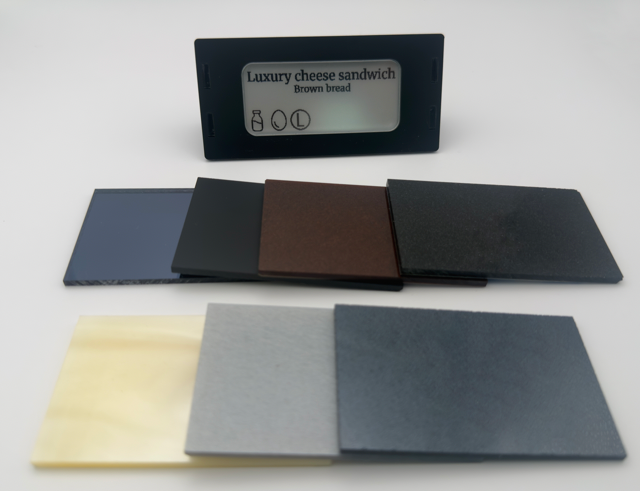
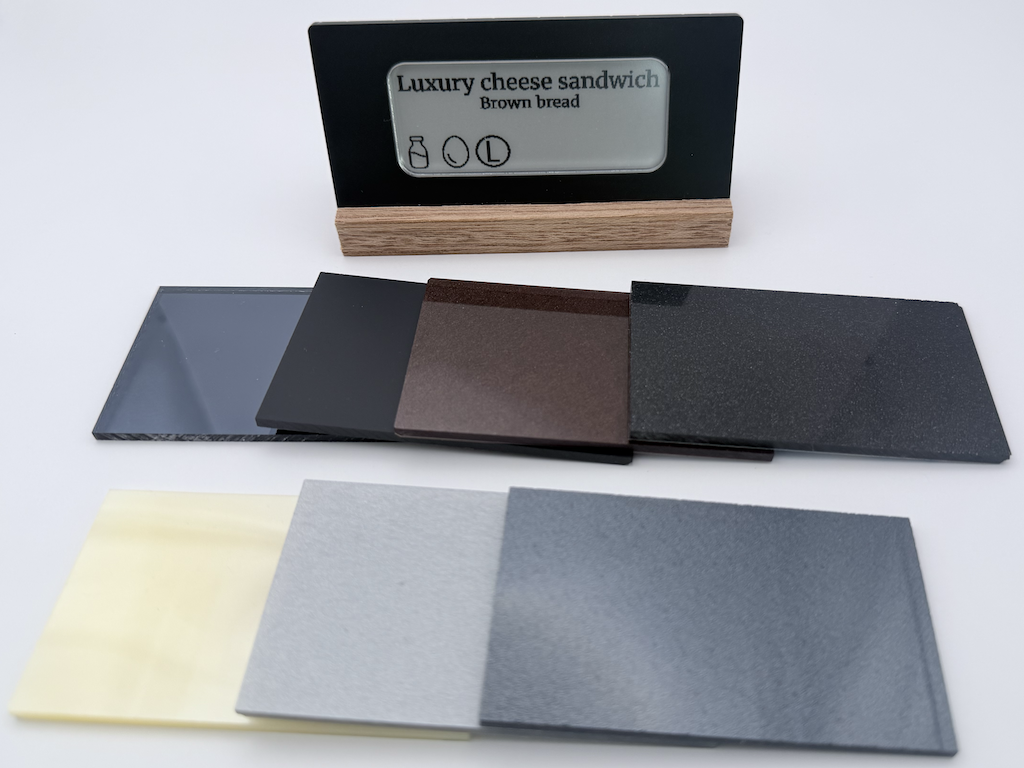
From kitchen to buffet — one clear system.
Whether you’re presenting breakfast dishes, desserts or a complete buffet overview, 5 Star Signs displays give your presentation a polished, professional look.
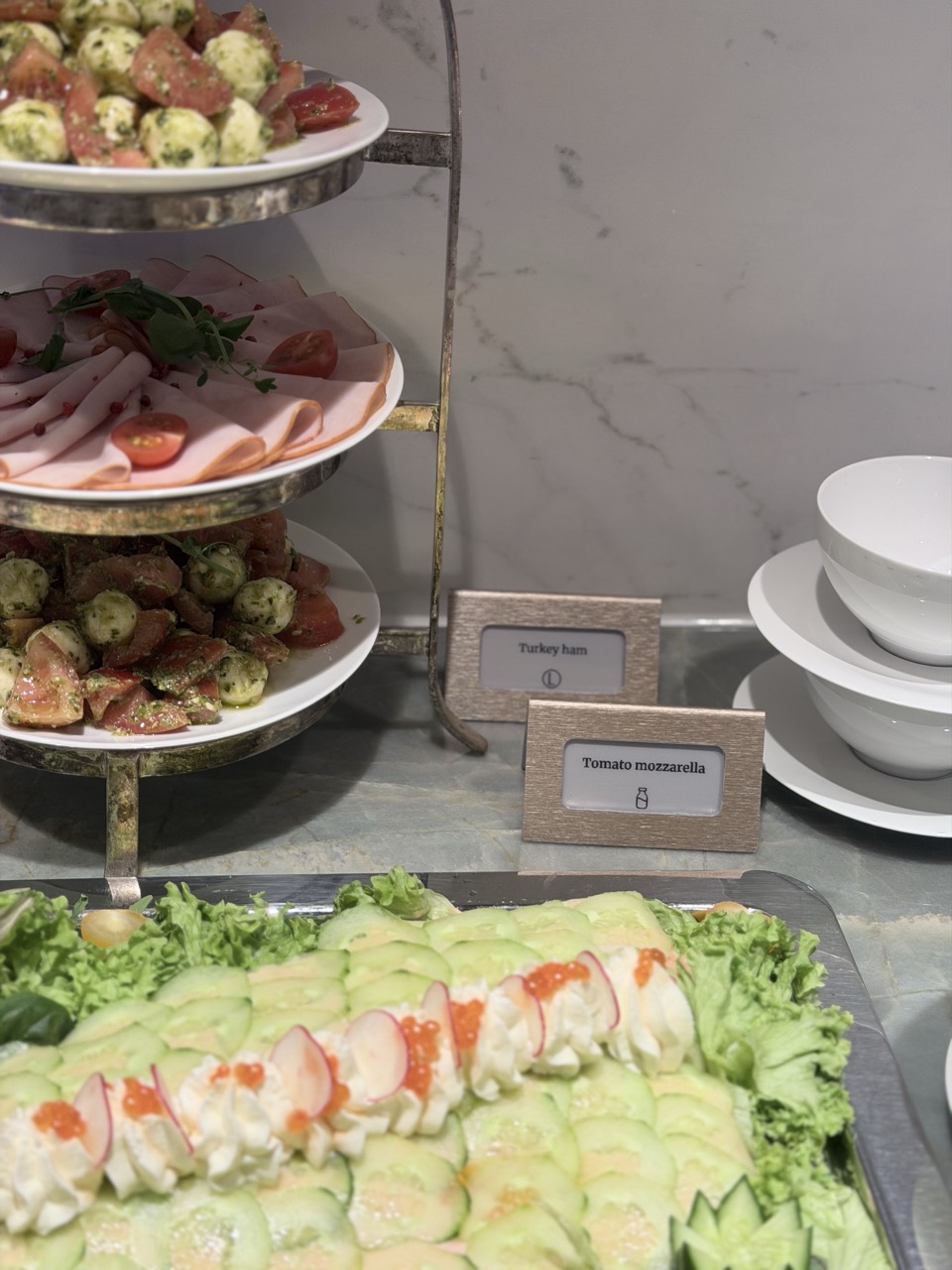
Digital product labels right by the dishes.
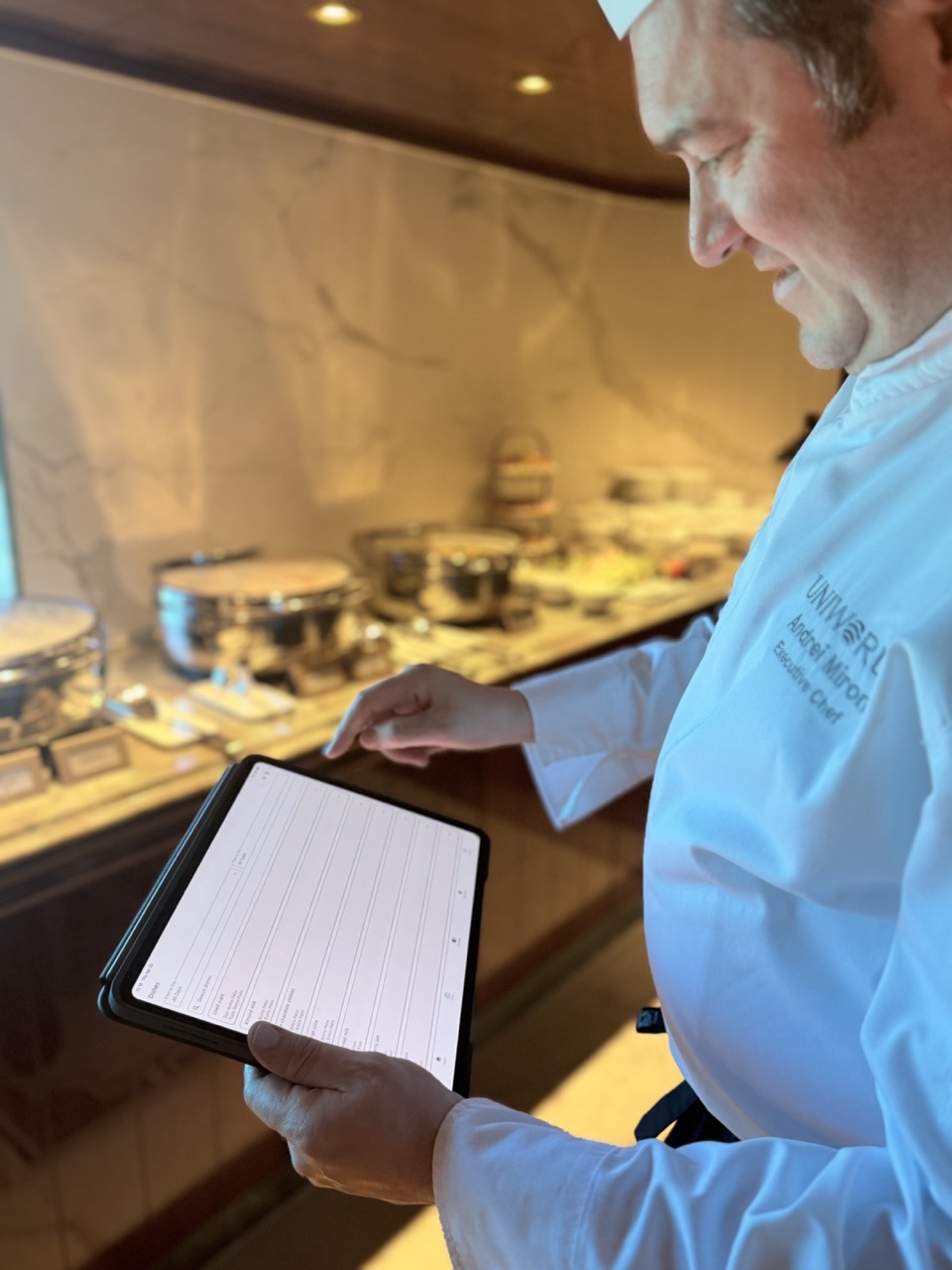
Manage products using a tablet.
Download the 5 Star Signs app
Easily manage all your displays, products and allergen information from your smartphone or tablet — available for iOS and Android.
Give your presentation a professional look.
Explore the displays and options in the webshop. After ordering, you’ll receive a personalised wrap request by email.
View products